Search
How do I add team members (learners)?
You can add team members/learners in 3 ways including:
- Add team members using the method below.
- Group leaders can bulk import from a list.
- Learners can use the registration form which was emailed to the group leader on setup or can be accessed through the group leader dashboard.
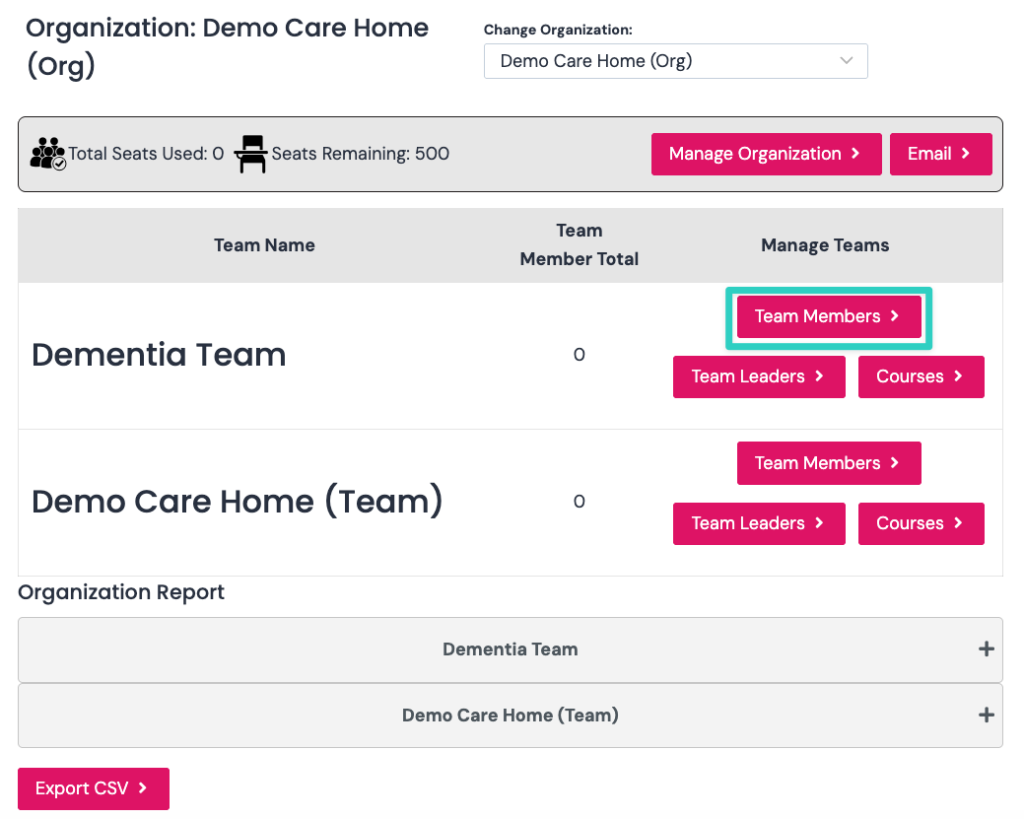
If you want to add individual team members, click the team members for the team you would like them added to as per screenshot below.
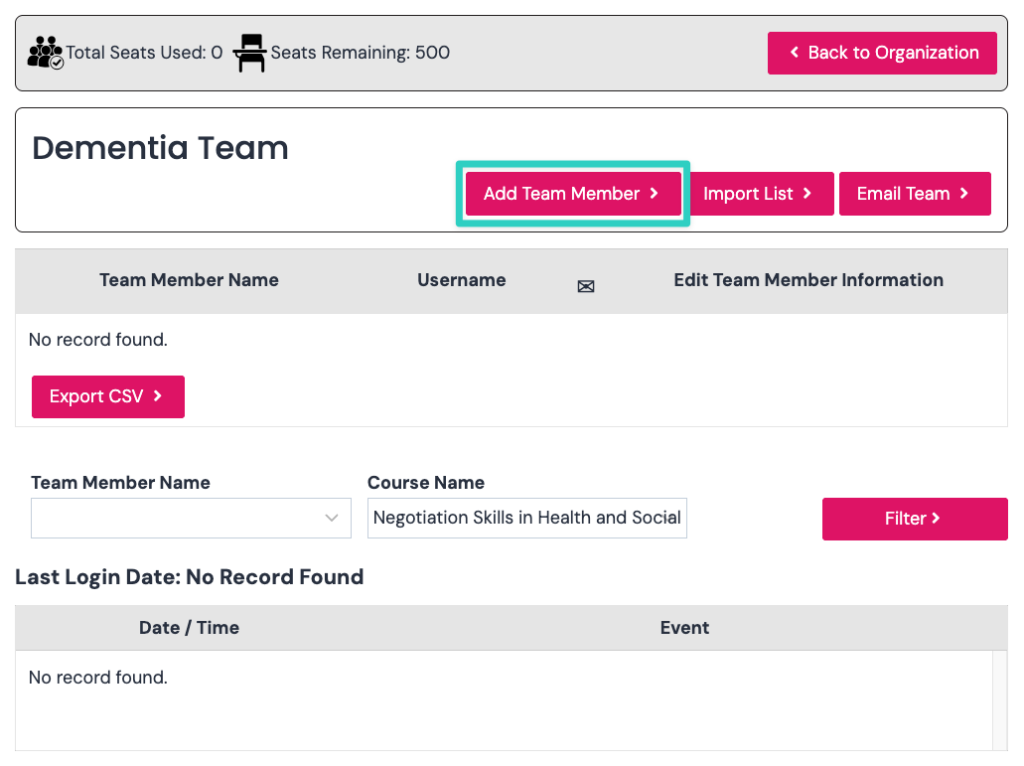
Now click the add team member button as per screenshot below.
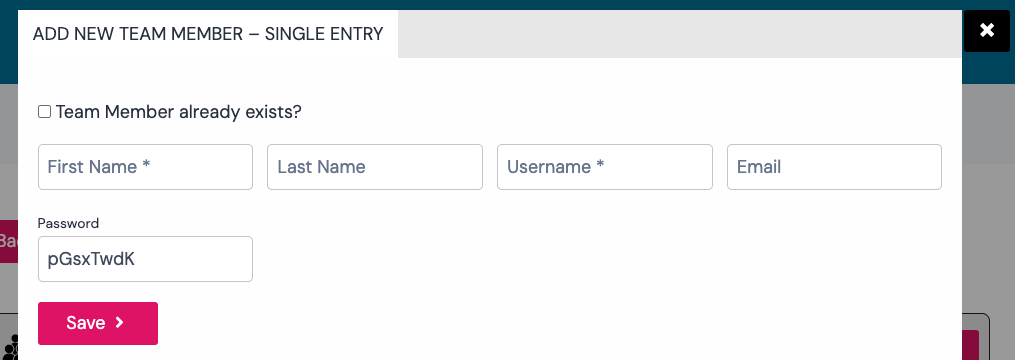
Now add the details of the member and click save button.